
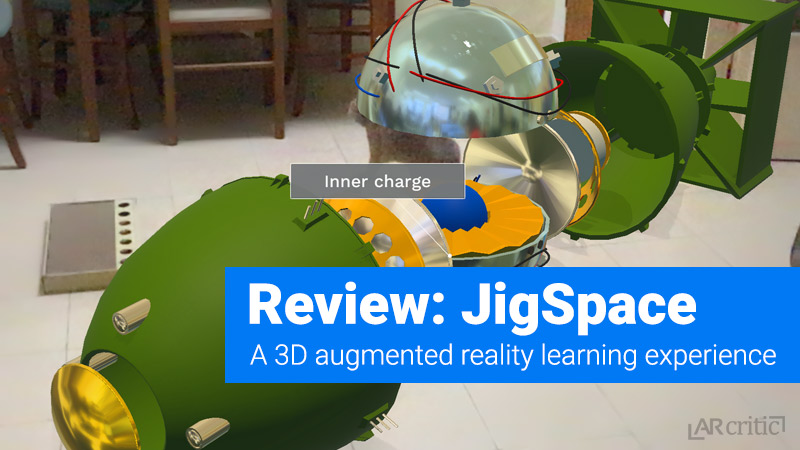
On this post I’ll be reviewing what is in my opinion, one of the most important and useful education ARKit app I had a chance to use so far. For me, an app like JigSpace signifies an important evolution amongst educational learning tools.
What is JigSpace?
JigSpace is how it’s developer defines it: a platform to explore and share interactive 3D knowledge for everything. In other words, JigSpace allows you to see a step-by-step interactive 3D breakdown of a complex idea, product, and phenomenon, in order to understand how they happen, operates or work. That interaction happens right in front of you using Augmented Reality. You can look at it as an Interactive 3D AR Powerpoint-like presentation, which is exactly what it is.
It’s a great app to learn how everyday stuff works and be able to make it easier to understand things with what could have been much more complicated to learn using other learning methods.
There is also an upcoming tool called “Jig Workshop” that extends the app capabilities beyond imagination, turning it into a social knowledge sharing app. When that happens, every user will be able to create his own Jig and share it with the world!
What makes JigSpace Special among all the other Learning Methods?
Let me give you an example. The first Jig (Jig is how a specific presentation is called) that the app shows me is how a door lock works? This was the first time I actually spent time learning about it. To be honest, I never thought about Googling it, because: first, tiring reading long articles or even waiting a YouTube movie that has more talking than an actual demonstration. Second, the explanations that I usually find on the web in any type of media form wasn’t engaging enough to trigger my interest. I only search for things that I have to know about.
With JigSpace, you don’t need to listen to long lectures, read long articles, etc. I don’t say that there aren’t any valid and good explanation videos out there but JigSpace has a few big advantages over those leaning methods.
So what makes JigSpace special among all the other learning tool?
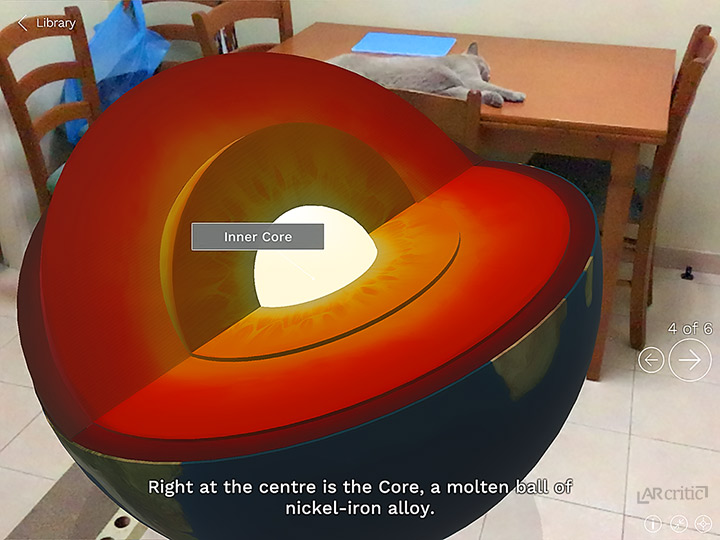
Simplified presentation – a 3D presentation looks really clean. Different parts can be colored and animated to help differentiate between them and therefore ease the understanding of complex things. Just imagine trying to show a person how a car engine works or how a coffee machine works with real objects, with a 3D model you can do that in a very clean and very accurate manner. Some explanations about a phenomenon or how a part of the body works is just isn’t possible without using 3D models.
Straight to the point – Sometimes the answer happens to be in one line in a very long article. It seems like that on some occasions, people are intentionally bloating their articles with unnecessary text. I also see it in videos, where you hear a long lecture and the answer is hidden somewhere in the last part of it. In fact, questions pop up in my head all the time. Usually, I just ignore them because it takes time finding a straight answer. At the end of the day, it’s my loss, because I didn’t learn many things that day. Many things that could be very beneficial and help me in life and extend the circle of knowledge.
I learned in life that when you learn about many simple things, the brain can create a new knowledge that is built using a wide range of pieces of information seemed to be not even related to each other. I can wake up one day with a new understanding based on pieces of knowledge that I’ve learned a piece by piece, not necessarily correlated to each other. This why I like tools and resources that can help me get an answer fast—JigSpace follows this principle.
Visualization/Immersion – Some people, like myself, understand better when they see things, rather than when its written or spoken. Visualizing an explanation can help people understand more. I can’t imagine being able to quickly and efficiently understand how a lock works without a visual explanation. The visualization also leads to deep mental involvement (or immersion).
Social – Last but not least is social aspect of the app. As of the time of writing JigSpace doesn’t accept public submission. However, the company plans to release a Jig Workhop tool which will allow anyone to create Jigs and share them with the world. A superb valuable tool that will help JigSpace extend its knowledge base times fold.
These, in my opinion, are the four key components that make JigSpace such an amazing tool for sharing knowledge in a quick, easy-to-understand and engaging fashion.
Using JigSpace
When you launch JigSpace you reach the Library page where you can browse through all the available Jigs by category. You can also share a link to a Jig with other people and add ones that you like to your favorites.
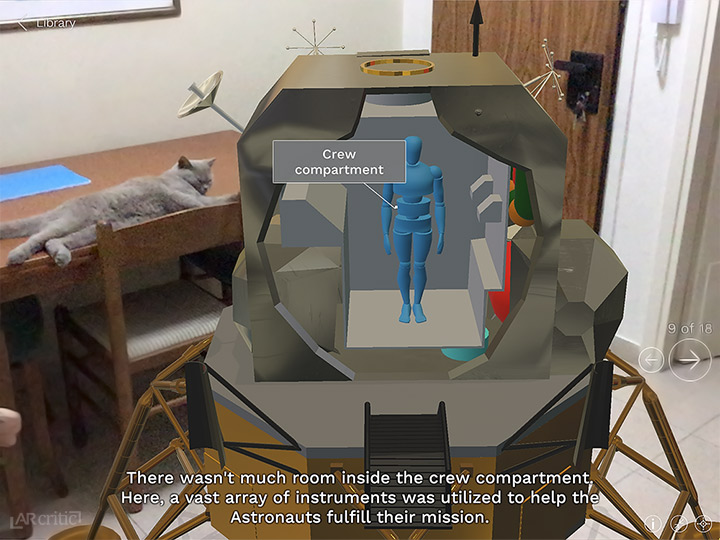
Clicking on a Jig will bring the AR screen where the app will ask you to find a surface to place the Jig on. One a surface is found, a tap on the square will launch the Jig. A Jig is composed of interactive 3D objects related to the specific subject which is being learned, alongside textural explanation.
For some reason, I didn’t hear any sound in any of the Jigs that I’ve tried. I think it’s very important to have that and I do hope that this feature will be added in future Jigs or added to the upcoming release of the Jig Workshop.
One of the main benefits of JigSpace as an Augmented Reality app is the ability to move around the object, scale it and observed it up close. The Jig is pre-animated tight to a step-by-step textual explanation. This allows you to read relatively short explanation while seeing how things actually work.
Now, you won’t get a Ph.D. using JigSpace but it’s a great app to help increase general knowledge and answer questions that you always wanted an answer for, but for any reason it was, they weren’t answered.
How Expansive is JigSpace?
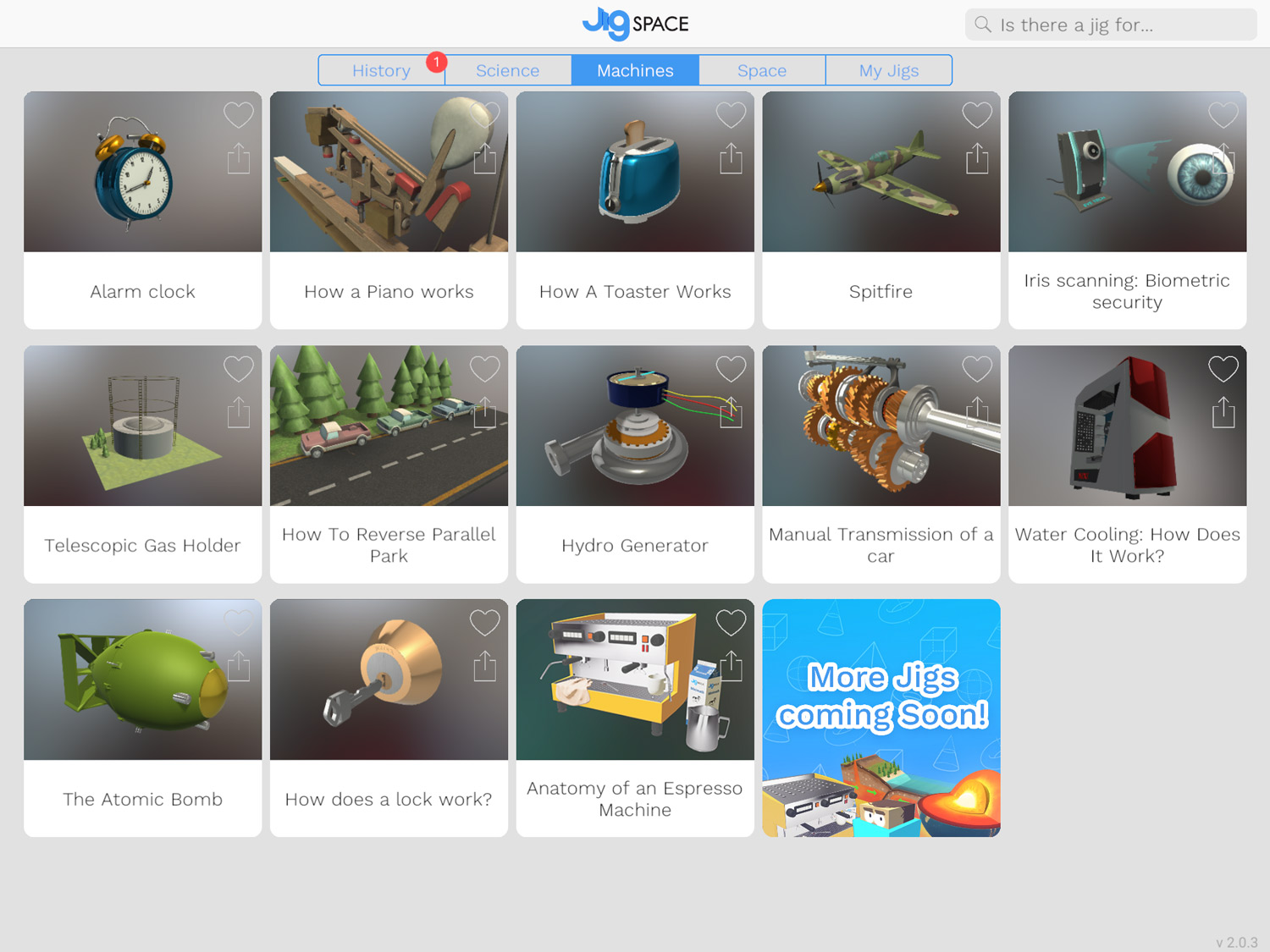 As of the time of writing (October 2017), there are very few Jigs, I count 26 in all categories which include Science, Machine, Space. I guess those categories were chosen first because of the cast interest in those topics. I guess the developer did its homework and searched for some very popular questions and based the Jigs based on their popularity.
It’s important to note that JigSpace is adding more Jigs on a weekly basis, but according to the iTunes page of the app, their biggest plan is to release what they called a “Jig Workshop”. This tool allow any user to create its own Jigs and share them with the world.
By offering this tool to users, Jig Space can extend and become something much bigger than it is right now.
Conclusion
JigSpace is probably one of the more valuable AR educational apps I’ve used to date.
I am a person who, as you can see, love reading, writing, and learning. That being said, I don’t like wasting time on learning methods that just waste time. In our busy lives, we sometimes decide to not spend time learning things because we have more important things to do. When we do decide to spend time, sometimes we give up because the learning method is either not interesting or engaging or just doesn’t seem to fit itself to our busy lifestyle.
JigSpae won’t teach you how to learn a new language or out to program a new ARKit app, but it will help you increase your general knowledge and get answers to some of your questions in a very simple, interesting and engaging way and it will do that in a way that respects your precious time.
As for now, the app is very limited, but it will grow tremendously once the Jig Workshop is added to it. Then everyone can create and submit its own Jigs and share it with the world. Undisputedly, an immensely valuable tool for any knowledge seeker out there!